A household organiser for whoever runs the house with you
Radar works as a household organiser for two: every paid seat comes with a free Home seat for your partner, a private Radar for home life, and you can share single items like the boiler service between you.
£10 a month at the founding price until 31 March 2027, locked for 24 months. Your money back within 14 days if it isn’t for you.
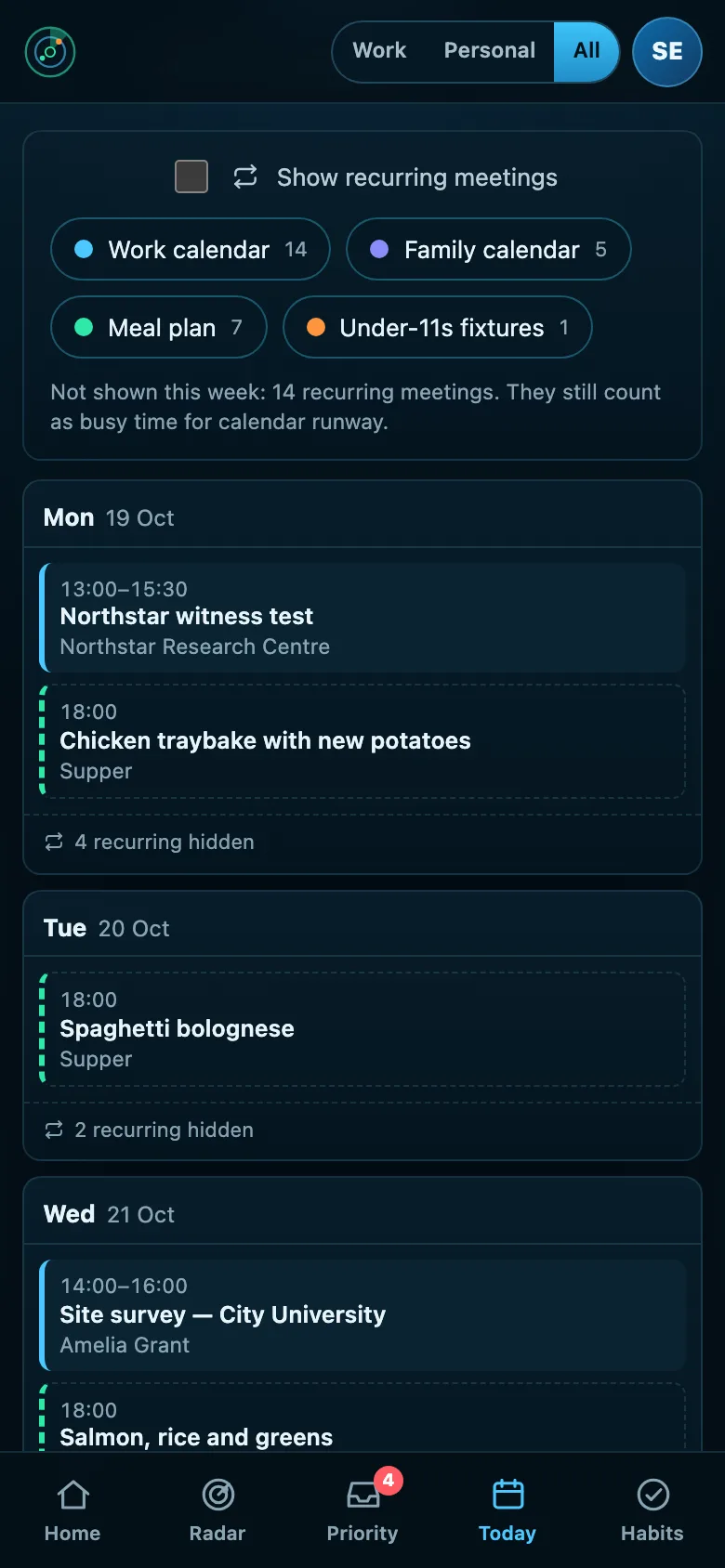
One person usually carries the household’s dates
The school form, the boiler service, the car insurance, the birthday present: one person tends to hold all of it in their head, and the other finds out on the day.
Shared calendars help with appointments. They don’t help with the dates nobody put in a calendar, or with knowing whether the thing actually got done.
Home life, shared where it helps
A Home seat each
A free Home seat with every paid seat: a private Radar for home life that can never see your work, and that you can’t see into either.
Share one thing, not everything
Share a single item with up to five people at home. They see its title, its date and whether it is done, and can tick it off. Nothing else crosses.
Life setup for the house
Insurance, the boiler, energy and broadband deals, bin day, birthdays, school dates and the vet, asked a few questions at a time.
Calendars and meals
Connect a personal Google or Outlook.com calendar, the school’s calendar feed and a Plan to Eat meal plan.
How to share running a household without a shared everything
Sharing the household load works best when each person has their own view, and only the jobs that are genuinely shared are shared.
- Agree who owns each recurring job: the insurance, the car, the boiler, the school forms.
- Write down the dates once, in one place, rather than in two heads.
- Share the jobs that need both of you, like the holiday booking, and keep the rest private.
- Let either person tick a shared job off, so nobody does it twice.
- Look at the next month together now and then, so the busy weeks are seen coming.
Radar gives each of you a private Radar, one free with every paid seat, and lets you share single items, with their title, date and whether they are done, and nothing else.
Three steps
Set up your Radar
Connect your calendars and answer Life setup.
Add your partner
Give them the free Home seat from Settings.
Share what’s shared
One item at a time: the boiler, the holiday, the car.
What it connects to
| Connection | What Radar uses | Status |
|---|---|---|
| Google Calendar and Tasks | Google Calendar | Verified 20 Sep 2026 |
| Microsoft 365 and Outlook.com | Outlook calendar | Verified 29 Sep 2026 |
| Calendar feed (ICS) | A subscribed calendar | Verified 23 Sep 2026 |
| Meal plan | Planned meals | Verified 8 Oct 2026 |
Verified means read from a real account on that date; beta means built and tested, and labelled until it has been. Every connection →
Questions
Can my partner see my work?
No. A Home seat only ever sees Personal items, and the server enforces it, not just the screen.
What does a shared item show?
Its title, its date and whether it is done. Nothing about who looked at it or when.
Does a Home seat cost extra?
No. One comes free with every paid seat.
Can we share the calendar too?
Each Radar shows its own person’s calendars. A school or family calendar published as a feed can be added to both, so you each see it beside your own week.
What happens if one of us stops sharing?
Either of you can end a share in one action, and the item disappears from the other Radar straight away.
Related
Run the house from one Radar each.
A private Radar for you, a free one for your partner, and the shared jobs between you.