See overdue invoices in Xero beside everything else due
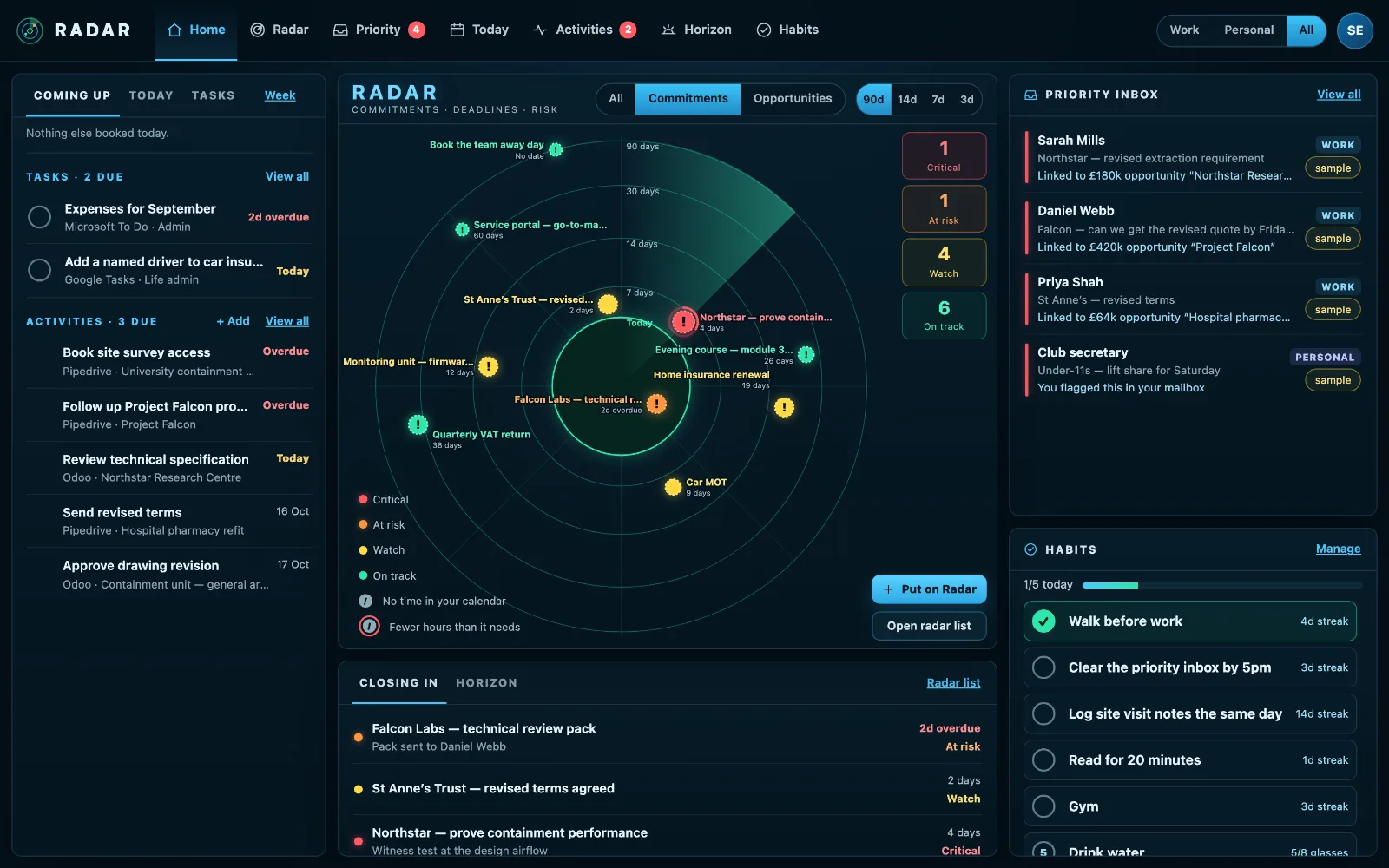
Radar puts overdue invoices in Xero and quotes about to expire on the same screen as your deadlines and calendar, so the money owed to you is in front of you every morning, not just on accounts day.
£10 a month at the founding price until 31 March 2027, locked for 24 months. Your money back within 14 days if it isn’t for you.
Money owed is easy to see, if you go and look
Xero knows exactly which invoices are overdue and which quotes are about to lapse. But Xero is the place you visit on accounts day, not the screen you start the week on.
A quote that lapses unnoticed is a sale lost, and an invoice that is three weeks late is a cash-flow problem that started three weeks ago.
What you are owed, where you will see it
Invoices still owed
Sales invoices with the amount due, the due date and the customer, in Radar’s Money panel sorted by risk. The most pressing join “Closing in” beside your deadlines.
Quotes about to expire
Sent quotes with their value and expiry date, flagged as the date comes, while there is still time to chase them.
You choose what it reads
Invoices, quotes or both. Anything you leave unticked is never fetched from Xero at all.
Read-only, always
Radar asks Xero for read access and nothing else, and Xero data is never sent to an AI.
How to keep on top of overdue invoices
Late payment is usually not a dispute. More often the invoice was simply not chased in time. A routine catches most of it.
- Send invoices the day the work is done, with the due date and how to pay on the invoice itself.
- Look at what is due in the next fortnight every week, not only what is already late.
- Chase on the day an invoice becomes overdue, politely and with a copy attached.
- Chase quotes before they expire, not after: a lapsed quote is a sale that needs winning again.
- Keep the list where you start your week, not in the accounts system you open once a month.
Radar does the last part: invoices still owed and quotes about to expire, from Xero, on the screen you open every morning, with the most pressing in “Closing in” beside the rest of your deadlines.
Three steps
Connect Xero
Sign in and choose the organisation.
Tick what to show
Invoices owed, quotes about to expire, or both.
Start the week with it
What you are owed, on the same screen as what you owe.
What it connects to
| Connection | What Radar uses | Status |
|---|---|---|
| Xero | Sales invoices still owed | Verified 20 Sep 2026 |
| Xero | Quotes about to expire | Verified 20 Sep 2026 |
| Xero | The customer behind each one | Verified 20 Sep 2026 |
Verified means read from a real account on that date; beta means built and tested, and labelled until it has been. Every connection →
Questions
Does Radar chase invoices for me?
No. Radar shows you which invoices are overdue and which quotes are about to lapse; the chasing stays yours, with the customer’s details beside it.
Can it change anything in Xero?
No. The connection has no write access at all.
Who sees the invoices?
Only the person who connected Xero. Your Radar is private, even within your own workspace.
Can I connect more than one Xero organisation?
Yes, each as its own connection, with its own choice of invoices, quotes or both.
How often is it updated?
Radar reads Xero every hour, and an invoice paid in Xero drops off at the next read.
Related
Put what you’re owed on your Radar.
Connect Xero beside your calendar and inbox.